
Key Takeaways
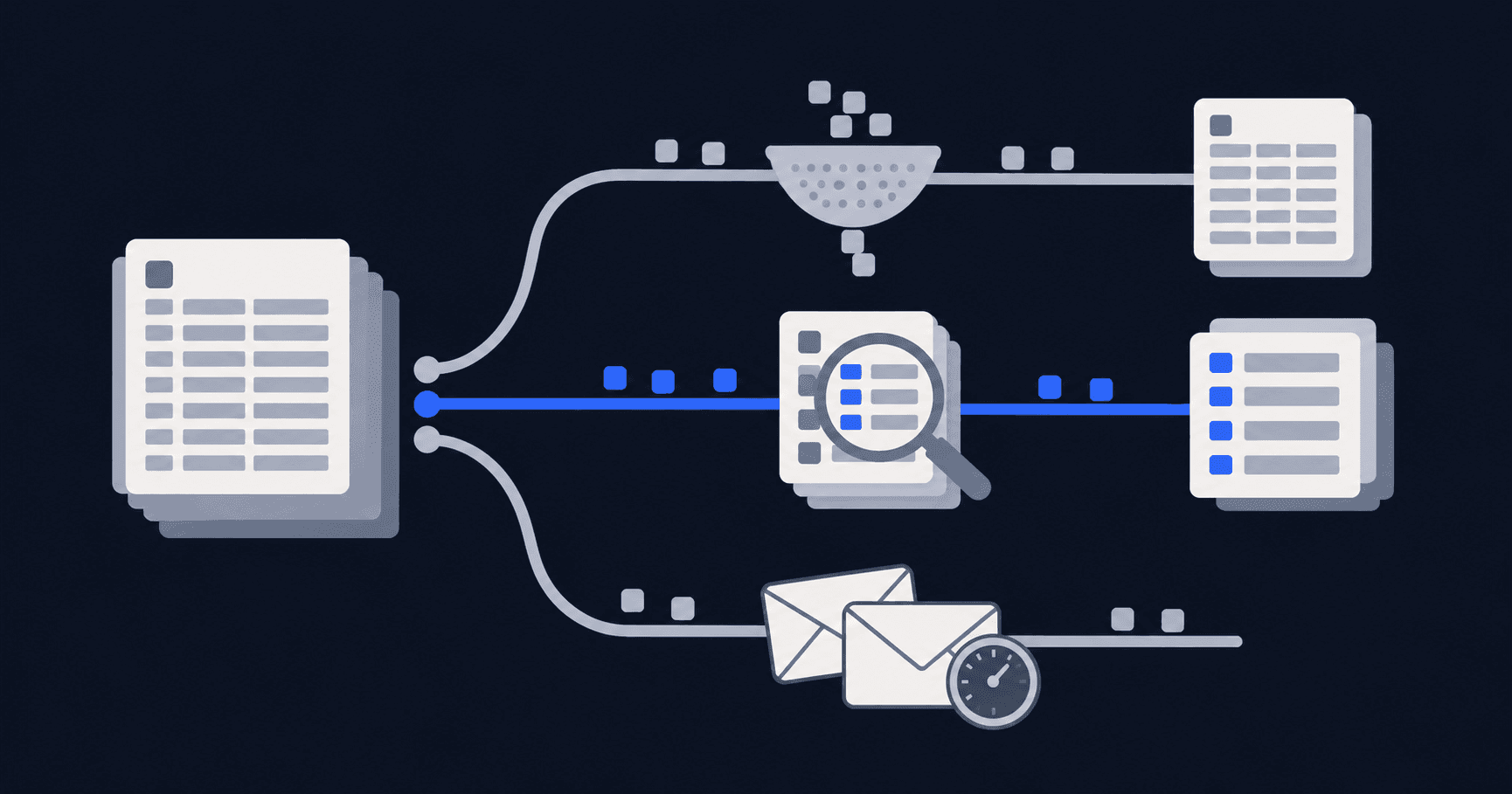
- PhantomBuster does two jobs, and most shortlists confuse them. It extracts data across networks and it acts on LinkedIn. Each half needs a different replacement.
- Execution hours are not comparable to seats, senders or identities. Metered automation time runs out mid-campaign in a way a per-seat plan never does.
- Extraction and outreach tools both stop at the reply. Turning a warm prospect into a confirmed meeting stays manual in nine of the ten tools below.
- No vendor here makes LinkedIn automation sanctioned. Caps and warm-ups lower the odds of a restriction, not the terms.
Three picks cover most switches: HeyReach for agencies running pools of sender accounts at $79 per sender a month, Waalaxy at €19 per user yearly for a solo seller, and meetergo at €29.90 per LinkedIn account for teams whose replies never become meetings. Every price below was captured on 5 October 2026 with its billing basis stated, because that is where comparisons on this topic fall apart. A 20-comment r/LinkedInTips thread from four weeks ago opens with that exact complaint: every comparison page says something different.
What PhantomBuster Does, and Which Half You Are Replacing
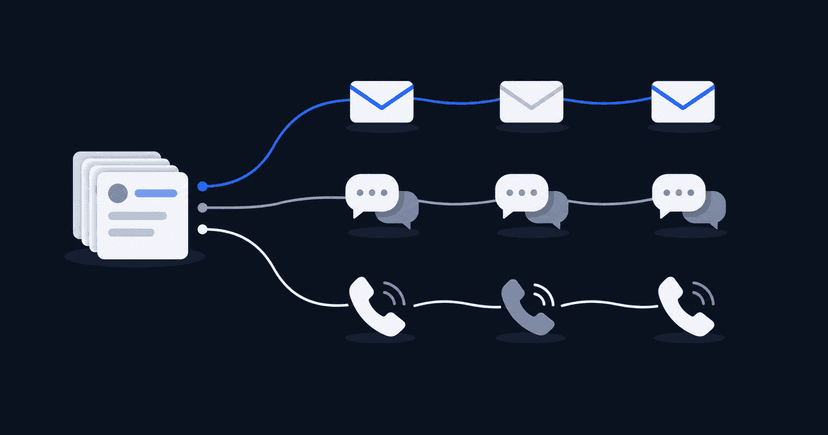
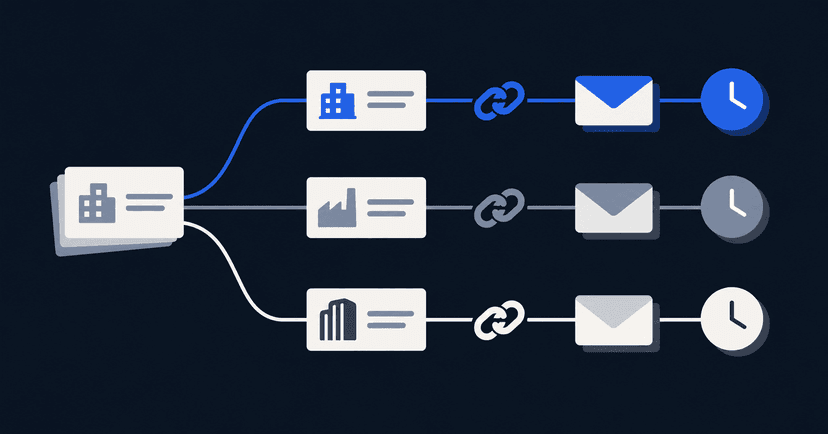
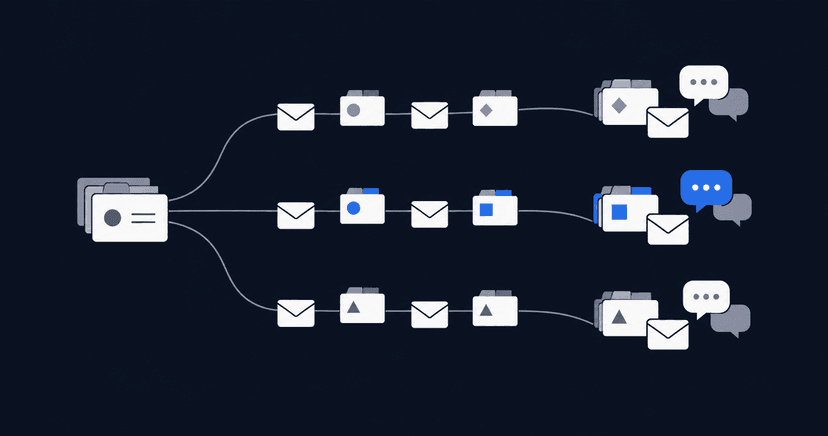
PhantomBuster runs a library of prepackaged automations, called Phantoms, which you point at a LinkedIn search, a Sales Navigator list, a set of post reactions or another network entirely. Chain a few together and you have a flow: extract profiles, enrich them, then send connection requests. It is a general-purpose automation engine with LinkedIn as its most-used target rather than a LinkedIn outreach suite, which explains most of the frustration people bring to it: no native CRM, no reply detection, and email sequencing needs a second subscription.
Billing is the other half of the story. Plans sell monthly execution time, so campaigns stop when the hours are gone rather than when the list is finished. A recent r/GrowthHackersAndData post comparing tools from the data-collection side makes the same observation about scaling on automation hours and execution slots.
| Plan | Price |
|---|---|
Starter | €56/month, 20 execution hours (annual billing) |
PlanStarter Price€56/month, 20 execution hours (annual billing) | |
Grow | €128/month, 80 hours (annual) |
PlanGrow Price€128/month, 80 hours (annual) | |
Scale | €352/month, 300 hours (annual) |
PlanScale Price€352/month, 300 hours (annual) | |
Prices checked 5 October 2026.

PhantomBuster holds a 4.4 rating from 138 reviews on G2 (checked 5 October 2026), a respectable average on a mid-sized sample, and what drives switching is scope and billing rather than reliability.

So sort your own requirement first. Phantoms used for list building point to a data platform, covered in the extraction section near the end here. Phantoms used for connection requests and follow-ups point to an outreach sequencer, which is what most tools below are. If replies arrive and never become meetings, neither category fixes it.
The 10 PhantomBuster Alternatives at a Glance
Each entry below is the cheapest paid tier the vendor publishes, with the unit it bills against, since execution hours, senders, seats and identities are not the same purchase.
| Tool | Entry price (billing basis) | G2 rating | Replaces which half |
|---|---|---|---|
meetergo | €29.90 per LinkedIn account/month (monthly), €24.90 yearly | Not yet rated on G2 | Outreach, plus the booking gap |
Toolmeetergo Entry price (billing basis)€29.90 per LinkedIn account/month (monthly), €24.90 yearly G2 ratingNot yet rated on G2 Replaces which halfOutreach, plus the booking gap | |||
HeyReach | $79/month per sender account (monthly) | 4.6 (73 reviews) | Outreach across many accounts |
ToolHeyReach Entry price (billing basis)$79/month per sender account (monthly) G2 rating4.6 (73 reviews) Replaces which halfOutreach across many accounts | |||
Waalaxy | €19 per user/month (yearly, 50% off list) | 4.5 (1,604 reviews) | Outreach for one seller |
ToolWaalaxy Entry price (billing basis)€19 per user/month (yearly, 50% off list) G2 rating4.5 (1,604 reviews) Replaces which halfOutreach for one seller | |||
Expandi | $99/month (monthly) | 4.3 (162 reviews) | Outreach with branching logic |
ToolExpandi Entry price (billing basis)$99/month (monthly) G2 rating4.3 (162 reviews) Replaces which halfOutreach with branching logic | |||
Dripify | $39 per user/month (annual) | 4.5 (353 reviews) | Outreach, simple drips |
ToolDripify Entry price (billing basis)$39 per user/month (annual) G2 rating4.5 (353 reviews) Replaces which halfOutreach, simple drips | |||
Dux-Soup | €36.25 per seat/month (yearly, local) | 4.4 (90 reviews) | Outreach, browser-side |
ToolDux-Soup Entry price (billing basis)€36.25 per seat/month (yearly, local) G2 rating4.4 (90 reviews) Replaces which halfOutreach, browser-side | |||
Linked Helper | $29.90/month | 4.5 (149 reviews) | Outreach, desktop |
ToolLinked Helper Entry price (billing basis)$29.90/month G2 rating4.5 (149 reviews) Replaces which halfOutreach, desktop | |||
Sendpilot | $79/month for 1 sender (monthly) | 4.5 (209 reviews) | Outreach plus lead scoring |
ToolSendpilot Entry price (billing basis)$79/month for 1 sender (monthly) G2 rating4.5 (209 reviews) Replaces which halfOutreach plus lead scoring | |||
La Growth Machine | €50 per identity/month (annual) | 4.6 (57 reviews) | Outreach across channels |
ToolLa Growth Machine Entry price (billing basis)€50 per identity/month (annual) G2 rating4.6 (57 reviews) Replaces which halfOutreach across channels | |||
lemlist | $55/month (yearly, email tier) | 4.6 (2,323 reviews) | Email-led outreach |
Toollemlist Entry price (billing basis)$55/month (yearly, email tier) G2 rating4.6 (2,323 reviews) Replaces which halfEmail-led outreach | |||
None of the ten is a drop-in replacement for the multi-network scraping side. That is a finding, not an omission.
1. meetergo: Best for Turning Replies Into Booked Calls
meetergo is a revenue platform built in Cologne, used across sales, recruiting, consulting and other verticals, and its LinkedIn app is the one tool on this page that confirms a meeting without a booking link. Mira, the built-in assistant, books the slot inside the conversation, so a warm reply does not cool off while a rep hunts for a link. Lead import and sequences cover the outreach half of what Phantoms were doing, billed as a flat monthly figure per account rather than metered time.
Key Features
Booking inside the LinkedIn conversation
Mira offers free slots from connected calendars in the lead's own time zone, books the one they pick, attaches a meetergo video link and writes the meeting into calendar and CRM. Reschedules stay in the thread.

Lead import from seven sources
Lists come from LinkedIn search, Sales Navigator, Recruiter, post reactions, event attendees, CSV or CRM tags, up to 1,000 people per import, added in the background at a human pace.

Sequences that branch on acceptance
Campaigns chain profile views, likes, connection requests with a note, messages and voice notes, then split on whether the request was accepted inside a deadline, so non-acceptors stop receiving unreadable messages.

One inbox for LinkedIn, WhatsApp and email
Replies land in a shared inbox next to WhatsApp and email, company pages included, with voice notes, snooze and one-click save to CRM.

Pricing
| Plan | Price |
|---|---|
Free | €0/month, free forever, unlimited users |
PlanFree Price€0/month, free forever, unlimited users | |
Suite (all 17 apps) | €34.90/user/month monthly, €29.90 billed yearly |
PlanSuite (all 17 apps) Price€34.90/user/month monthly, €29.90 billed yearly | |
LinkedIn app | €29.90 per LinkedIn account/month monthly, €24.90 yearly (launch pricing) |
PlanLinkedIn app Price€29.90 per LinkedIn account/month monthly, €24.90 yearly (launch pricing) | |
One seat per LinkedIn account, discounts from 10 accounts, 7-day trial on paid tiers. Full split: meetergo pricing.
Where meetergo Shines
- Nothing expires mid-campaign, because the subscription is per account per month instead of metered automation time.
- The leak between a positive reply and a calendar entry closes without a link to paste, which is what speed to lead measures.
- Bookings and conversations land in meetergo's own CRM and LinkedIn CRM view with no export step.
- Jurisdiction is the quiet advantage for EU teams: no US corporate parent, so data stays under EU law, which is why it appears on GDPR software shortlists.

Where meetergo Falls Short
- LinkedIn is the only network it automates. Instagram, X, Google Maps and generic web extraction are outside its scope, and PhantomBuster genuinely does more there.
- The LinkedIn app sits on top of a plan subscription, so a five-rep team carries two line items.
- There is no library of prepackaged automations to borrow, so unusual data jobs still need another tool.
Customer Reviews
The LinkedIn app has no G2 listing yet, so no third-party rating exists for it, and borrowing a score from another meetergo product line would not be evidence. The figures on meetergo's sales solutions page, an 80% drop in no-shows and sales cycles roughly 30% shorter, are vendor-reported and should be read that way.
Who meetergo Is Best For
- Teams losing deals in the gap between a reply and a confirmed call, not in message volume.
- Companies that want outreach, inbox, scheduling and CRM under EU jurisdiction on one subscription.
Book the meeting where the conversation already happens: start with meetergo free. Free plan, unlimited users, no credit card.
2. HeyReach: Best for Running Many Sender Accounts
HeyReach answers the multi-account problem Phantoms handle badly: one campaign distributes views, requests and messages across a pool of connected profiles, each behind its own dedicated IP and its own daily ceiling. The scope ends at outreach, with no native CRM, no calendar availability or in-conversation booking, no reminders, no payments and no phone channel, so replies move to a separate scheduler and pipeline. Extraction across other networks is out of scope too.
Key Features
- Sender rotation spreads one campaign's volume over every connected account.
- Dedicated IP assigned per connected LinkedIn account.
- Unified inbox across all accounts, filterable by account, campaign or tag.
- One-click push of a conversation into HubSpot or Pipedrive.
- Separate client workspaces on the agency tiers.
- White-label branding for agencies reporting to their own clients.
- Daily limits managed by the platform rather than configured per profile.
Pricing
| Plan | Price |
|---|---|
Growth | $79/month for 1 sender account (monthly) |
PlanGrowth Price$79/month for 1 sender account (monthly) | |
Agency | from $999/month for 25 sender accounts |
PlanAgency Pricefrom $999/month for 25 sender accounts | |
Unlimited | $2,999/month, unlimited senders |
PlanUnlimited Price$2,999/month, unlimited senders | |
Prices checked 5 October 2026.

Where HeyReach Shines
- Per-sender cost falls steeply at agency volume, where per-seat tools get expensive.
- The inbox behaves as a team surface rather than one rep's view.
- Account ceilings are handled for you, which removes the usual per-profile configuration work.
Where HeyReach Falls Short
- One sender on the entry tier means a three-person team starts around $237 a month.
- Everything after the reply lives elsewhere: scheduling, pipeline, contracts.
- Agency extras such as additional white-labels are add-ons above four-figure tiers.
Customer Reviews
On G2 the score is 4.6 across 73 reviews (checked 5 October 2026). That is the smallest review base of the paid tools here apart from La Growth Machine, so read the average as directional rather than settled.

Who HeyReach Is Best For
- Agencies and SDR pods running ten or more LinkedIn accounts.
- Teams already settled on a scheduler and CRM they intend to keep.
3. Waalaxy: Best for Solo Sellers Switching on a Budget
Waalaxy is where a single Phantom user lands most cheaply, and it now runs inside its browser app rather than a Chrome extension, with campaigns continuing on paid tiers once the laptop closes. Free-plan users still have to leave a machine awake on a LinkedIn tab. Pooled sending across a team's accounts is not the design, and the product carries no CRM, no in-conversation booking, no voice or WhatsApp channel, and nothing that fires once a call is agreed.
Key Features
- Sequence builder for requests, messages and timed follow-ups.
- Email finder bundled for multichannel steps rather than sold as credits.
- Prospect lists pulled from LinkedIn search and Sales Navigator.
- Cloud execution on paid tiers, so a closed browser does not pause a campaign.
- Templates for common sequence shapes, which shortens the first setup.
Pricing
| Plan | Price |
|---|---|
Pro | €19/user/month (yearly, 50% off list) |
PlanPro Price€19/user/month (yearly, 50% off list) | |
Advanced | €49/user/month (yearly) |
PlanAdvanced Price€49/user/month (yearly) | |
Business | €69/user/month (yearly) |
PlanBusiness Price€69/user/month (yearly) | |
Prices checked 5 October 2026; monthly billing costs roughly double.

Where Waalaxy Shines
- Cheapest real per-user cost of the cloud tools here once billed yearly.
- A first campaign can be running the same afternoon as the migration.
- Enrichment is part of the plan, so there is no separate credit budget to track.
Where Waalaxy Falls Short
- That €19 assumes a yearly commitment at a promotional half-price rate.
- Personalisation stops at straightforward variables.
- Multi-account operations outgrow it quickly.
Customer Reviews
G2 shows 4.5 from 1,604 reviews (checked 5 October 2026). Only lemlist has a larger base on this page, which makes this one of the two averages here that a buyer can lean on.

Who Waalaxy Is Best For
- Founders and solo sellers who ran a handful of Phantoms and want the same work for less.
- Small teams where every rep owns an independent list.
4. Expandi: Best for Conditional Campaign Logic
Expandi suits the flow-building habit PhantomBuster encourages, since its campaign builder branches on conditions and each connected account can sit behind a country-matched dedicated IP. Image and GIF personalisation is included. All of it happens before a meeting exists, with no scheduler, no availability, no CRM and no contract or payment step, so pipeline stays wherever it already lives. One published tier means a single user pays the same floor as a team.
Key Features
- Conditional branching on prospect behaviour inside a single campaign.
- Country-matched dedicated IP per connected account.
- Image and GIF personalisation inside message steps.
- Agency plan with oversight across multiple accounts.
- Webhook and integration hooks for pushing replies outward.
Pricing
| Plan | Price |
|---|---|
Business | $99/month (monthly billing) |
PlanBusiness Price$99/month (monthly billing) | |
Price checked 5 October 2026. Agency pricing is quoted on request.

Where Expandi Shines
- One campaign can carry several response paths without cloning lists.
- Country-matched IPs cut the login-location mismatches that trigger security checks.
- A single flat monthly figure is easy to forecast, with no hours to budget.
Where Expandi Falls Short
- The floor is $99, with nothing cheaper for one user.
- The published tier bills monthly only, so there is no yearly discount available.
- Rating against review count is the weakest ratio in this group.
Customer Reviews
G2 records 4.3 from 162 reviews (checked 5 October 2026), the lowest average on this page, though 162 reviews is enough of a sample to take the number seriously.

Who Expandi Is Best For
- Growth teams that want branching campaigns rather than linear drips.
- Operators running accounts across several countries.
5. Dripify: Best for Straightforward Drip Sequences
Dripify trades the flow-builder for a short path: assemble visits, requests, messages and follow-ups, switch it on, and it runs with the device off, with AI icebreakers generated in-product. Past roughly ten accounts the management overhead turns manual. It finishes at the reply, so availability, booking, pipeline records and reminders are all somewhere else, and replies sit in LinkedIn itself rather than a cross-channel inbox.
Key Features
- Cloud drip sequences that keep running with the browser closed.
- AI icebreakers generated per prospect inside the sequence.
- Team activity and campaign reporting without an export.
- Imports from CSV files and LinkedIn search results.
- A/B comparison between two sequences in the same view.
Pricing
| Plan | Price |
|---|---|
Basic | $39/user/month (annual billing) |
PlanBasic Price$39/user/month (annual billing) | |
Pro | $59/user/month (annual) |
PlanPro Price$59/user/month (annual) | |
Advanced | $79/user/month (annual) |
PlanAdvanced Price$79/user/month (annual) | |
Prices checked 5 October 2026.

Where Dripify Shines
- Fastest route from signup to a live campaign of anything on this page.
- Per-user billing stays predictable as a small team adds reps.
- Two sequences can be compared without leaving the reporting view.
Where Dripify Falls Short
- The headline figures all assume annual billing.
- Managing more than about ten accounts gets unwieldy.
- There is no inbox spanning channels, so replies stay in LinkedIn.
Customer Reviews
G2 puts it at 4.5 from 353 reviews (checked 5 October 2026), a mid-sized base with a consistent average. The r/Botdog thread on HeyReach alternatives sorts tools by annual price per channel and files Dripify as the LinkedIn-plus-email option.

Who Dripify Is Best For
- Small sales teams that want drips live this week.
- Reps who prefer paying per seat over paying per sender.
Five More PhantomBuster Alternatives Worth Knowing
These five are narrower in fit, either because LinkedIn is a secondary channel or because the architecture suits one specific setup.
Dux-Soup
Dux-Soup lets you pick where automation runs: a local option driven by your own browser, or a cloud option that continues with the machine off. Local keeps the activity on your side of the connection and costs you a computer left awake during outreach hours. Booking, reminders and pipeline are not part of it.
| Plan | Price |
|---|---|
Local | €36.25/seat/month (yearly) |
PlanLocal Price€36.25/seat/month (yearly) | |
Cloud | €65.83/seat/month (yearly) |
PlanCloud Price€65.83/seat/month (yearly) | |
G2 rating 4.4 from 90 reviews; figures checked 5 October 2026. Best for operators who want automation on hardware they control.


Linked Helper
Linked Helper runs as a desktop app, which is simultaneously the reason to pick it and its limit: activity comes from your own machine without injected page code, and stops when that machine sleeps. It is the cheapest paid entry on this page and assumes you supply the hardware, the scheduler and the pipeline tool yourself.
| Plan | Price |
|---|---|
Base | $29.90/month |
PlanBase Price$29.90/month | |
G2 rating 4.5 from 149 reviews; figures checked 5 October 2026. Best for cost-sensitive single users willing to leave a desktop running.


Sendpilot
Sendpilot scores imported leads for fit before anything is sent, then runs conditional sequences of requests, messages, voice notes, profile views and post engagement across several sender accounts. Replies from those accounts collect in one view, and post scheduling is part of the plan. Billing follows sender accounts rather than seats, so agency numbers arrive fast.
| Plan | Price |
|---|---|
Launch | $79/month, 1 sender (monthly) |
PlanLaunch Price$79/month, 1 sender (monthly) | |
Growth | $329/month, 5 senders |
PlanGrowth Price$329/month, 5 senders | |
Agency | $699/month, 25 senders |
PlanAgency Price$699/month, 25 senders | |
G2 rating 4.5 from 209 reviews; figures checked 5 October 2026. Best for teams that would rather qualify before sending than after.


La Growth Machine
La Growth Machine builds sequences across LinkedIn, email, X and phone in one visual editor and charges per sending identity instead of per user. Contacts are enriched as they arrive, and AI-generated LinkedIn voice messages are a normal step rather than an add-on. The unit it charges for is clear, and it climbs once each rep runs more than one identity.
| Plan | Price |
|---|---|
Basic | €50/identity/month (annual) |
PlanBasic Price€50/identity/month (annual) | |
Pro | €100/identity/month (annual) |
PlanPro Price€100/identity/month (annual) | |
Ultimate | €150/identity/month (annual) |
PlanUltimate Price€150/identity/month (annual) | |
Its G2 average is 4.6, drawn from only 57 reviews, the thinnest sample on this page; figures checked 5 October 2026. Best for multichannel sequences where voice and phone steps matter.


lemlist
lemlist leads with email and treats LinkedIn actions as steps inside a wider sequence that also covers calls, SMS and WhatsApp. Inbox-warming and deliverability tooling ship with it, alongside a contact database with layered enrichment. Teams whose volume runs through LinkedIn will find the shape wrong; teams whose volume runs through email will not.
| Plan | Price |
|---|---|
Email | $55/month (yearly) |
PlanEmail Price$55/month (yearly) | |
Multichannel | $87/month (yearly) |
PlanMultichannel Price$87/month (yearly) | |
Its 4.6 on G2 rests on 2,323 reviews, several times any other sample here; figures checked 5 October 2026. Best for teams whose primary channel is email with LinkedIn in support.


If You Came for the Scraping, Not the Outreach
None of the ten tools above replaces PhantomBuster's data-extraction side. They automate LinkedIn actions; they do not run arbitrary scrapers across Instagram, X, Google Maps or a public directory. Pretending otherwise is the main flaw in most lists on this topic.
The genuine replacements for that half are extraction and enrichment platforms. Apify runs hosted scrapers as a marketplace of actors, Octoparse is a no-code web extractor, Clay chains enrichment providers over an imported list, Evaboot cleans and exports Sales Navigator results, and Captain Data sits between extraction and workflow orchestration. None of those five was price-verified for this article, so no figures appear for them here.
Two things are worth knowing before switching category. These platforms deliver rows, not conversations: no sequencer, no inbox, no reply detection, so an outreach tool is still needed afterwards. And scale changes the picture fast. A recent r/Coldemailing thread about assembling millions of leads shows how quickly the problem becomes data quality and compliance rather than tooling. If the goal is inbound instead, lead capture software and lead generation software are different starting points.
Is PhantomBuster-Style Automation Against LinkedIn's Rules?
Automating or scraping LinkedIn is against LinkedIn's rules, and switching vendors does not change that. The platform's prohibited software and extensions page says third-party tools that scrape, alter the appearance of, or automate activity on the service are not allowed, and that accounts using them can be restricted or closed. Bots that add contacts, send messages, or like and comment on posts are named in section 8.2 of the user agreement.
What better tools do is manage the odds with caps, randomised timing and a graduated warm-up. In meetergo's LinkedIn app, profile views and likes share one daily allowance of 30 with a hard ceiling of 80, messages stop at 25 a day, actions fire only inside the working hours a user has configured, and a new account ramps across three weeks at a quarter, half and three-quarters of its limits before reaching full volume.

Cloud-run tools act from the vendor's infrastructure rather than your browser, which is why dedicated or country-matched IPs show up on several pricing pages. Treat any vendor promising a risk-free setup with suspicion.
How to Choose a PhantomBuster Alternative
Three questions settle most shortlists faster than a feature matrix: what the bill is measured in, where a reply goes next, and what happens after a meeting is agreed.
What are you actually billed per?
Execution hours, sender accounts, seats and sending identities are four different units, and only one of them stops a campaign mid-list. Cost the tool for the volume you expect in six months, not this week. Sender pricing wins at agency scale, seat pricing suits a small in-house team, and per-account pricing is easiest to forecast.
Where does the conversation go after a reply?
Nine of the ten tools above end at the inbox, so a human qualifies the lead, finds a slot and pastes a link. If that is the bottleneck, weight in-thread booking and CRM write-back above campaign features. On inbound traffic the same gap closes with lead qualification and routing forms, with round-robin distribution deciding which rep takes the call.
Does anything happen automatically once a meeting is booked?
A booked call needs a video link, a reminder and a record against a deal, and whether those appear by themselves is what separates an outreach tool from a pipeline. Triggers that fire on a confirmed booking or a stage change are the thing to test, which argues for an AI scheduler built for sales teams over a third subscription stitched on with Zapier.

Replace the Right Half
Leaving PhantomBuster works once you know which job you are rehoming. List builders want an extraction platform plus a sequencer. Agencies with many client accounts land on HeyReach or Sendpilot, solo sellers on Waalaxy or Linked Helper, email-led teams on lemlist. If the loss happens between a reply and a calendar entry, no cheaper scraper repairs it. The best LinkedIn automation tools comparison ranks the same field without the PhantomBuster framing.
Stop losing warm replies to a pasted link: see how meetergo works. All 17 apps on paid tiers, 7-day trial, cancel anytime.
Booking + video conferencing in one tool.

Booking + video conferencing in one tool.
FAQs
What is the best PhantomBuster alternative?
It depends which half you are replacing: HeyReach for LinkedIn outreach at agency scale, Waalaxy or Linked Helper for one seller on a budget, meetergo for turning replies into booked meetings inside the chat, and an extraction platform such as Apify or Octoparse for multi-network data collection.
Are there free alternatives to PhantomBuster?
Free tiers exist but they are small and usually need a browser session left open, which rules out unattended campaigns. meetergo's Basic plan is free forever with unlimited users, though the LinkedIn app is a paid add-on. Treat free plans as a way to test a sequence, not to run outbound at volume.
Is PhantomBuster legal?
Automating or scraping LinkedIn breaches the platform's terms regardless of vendor, and LinkedIn can restrict or close accounts for it. Separately, collecting personal data on EU residents triggers GDPR obligations around lawful basis and transparency. Two different exposures, neither settled by a tool's marketing.
Which PhantomBuster alternative is cheapest?
Linked Helper at $29.90 a month is the lowest paid entry on this page, and Waalaxy undercuts it per user at €19 on a yearly commitment at the promotional rate (both checked 5 October 2026). Compare both against PhantomBuster's €56 Starter tier on annual billing, which includes 20 execution hours.
Do I need Sales Navigator for these tools?
No. Standard LinkedIn search, post reactions and a CSV upload are enough for every tool listed here. A Sales Navigator seat buys finer filters and higher search limits, which helps on narrow target lists without being a prerequisite.
Does any of this replace a CRM?
Rarely. Most push conversations into HubSpot or Pipedrive instead of storing pipeline themselves, worth knowing before counting one as a CRM for a small business. meetergo is the exception, holding its own CRM record with appointment reminders attached.