Working time tracking for your team: clock in, break, clock out
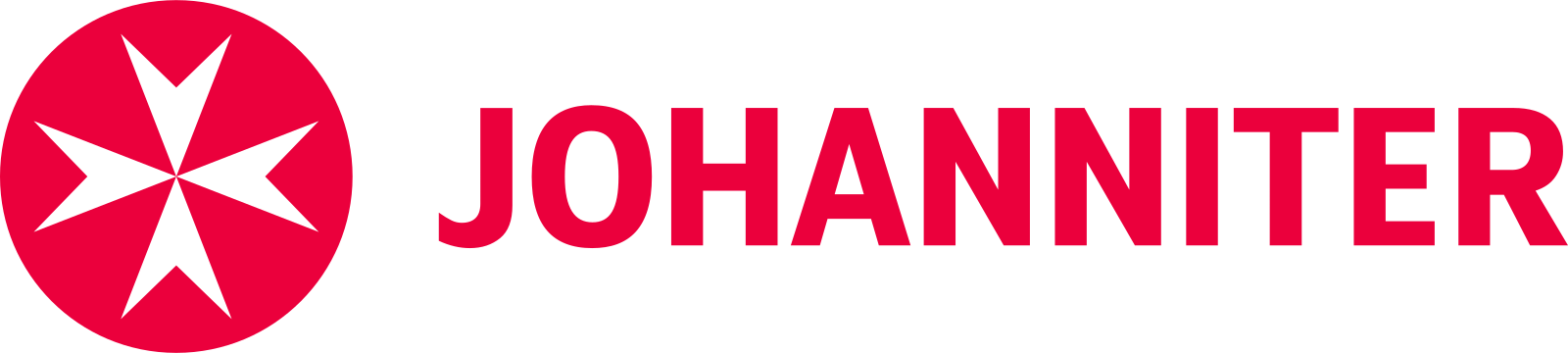
meetergo records start, end and breaks. In the browser, in the app, in the Chrome extension or through a personal clock link. If a break or rest period is missing, you get a hint.
Our Trusted Clients






Employee time tracking without paper timesheets
One tap to clock in. meetergo does the maths.
Clock in, break, clock out
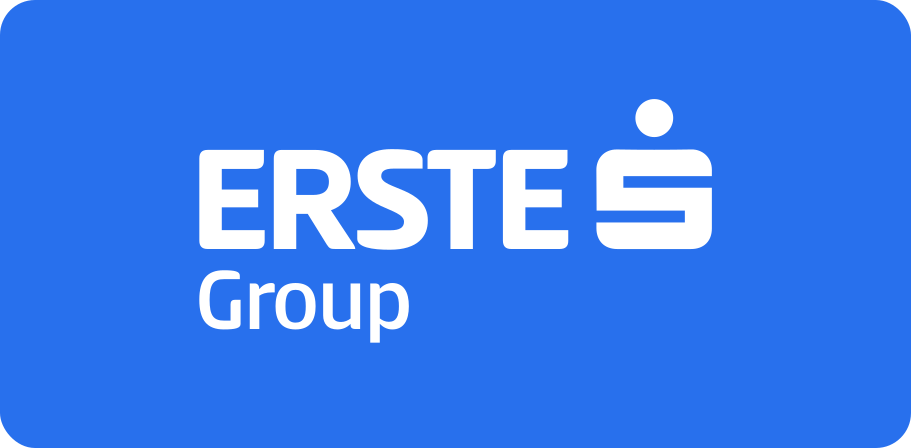
One tap in the browser, the app or the Chrome extension. The hour account keeps count.
Nothing gets overwritten
Corrections are added as new entries. Locked days only change through a request to the team lead.
Germany, Austria, Switzerland
Hints and public holidays follow each person's place of work.
For the team, not for surveillance
By default team leads only see totals. meetergo only shows who is clocked in if you switch it on.
How working time tracking works
From the first clock in to the end of the month.
Clock in
Tap Clock in wherever you are: web, app, Chrome extension or clock link.
Break and clock out
Break, resume and finally Clock out. Start, end and breaks show up in the hour account right away.
See the hints
If a break is missing or the rest period is too short, you see it the same day. Nothing is blocked.
Export
Everyone downloads their own record as CSV or PDF. For payroll there are DATEV files.
1Your hour account
Today, the week and the month: actual, target and breaks on one page.
- Open any day with all its clock events
- Public holidays and absences count towards the target
- Forgot to clock out? Correct it or send a request
2Hints, not blocks
meetergo checks every day against the rules at the place of work and flags gaps to you and your team lead. In Germany, for example:
- Missing break after more than 6 hours
- More than 10 hours a day or 6 hours in a row
- Rest period too short, work on Sundays or public holidays
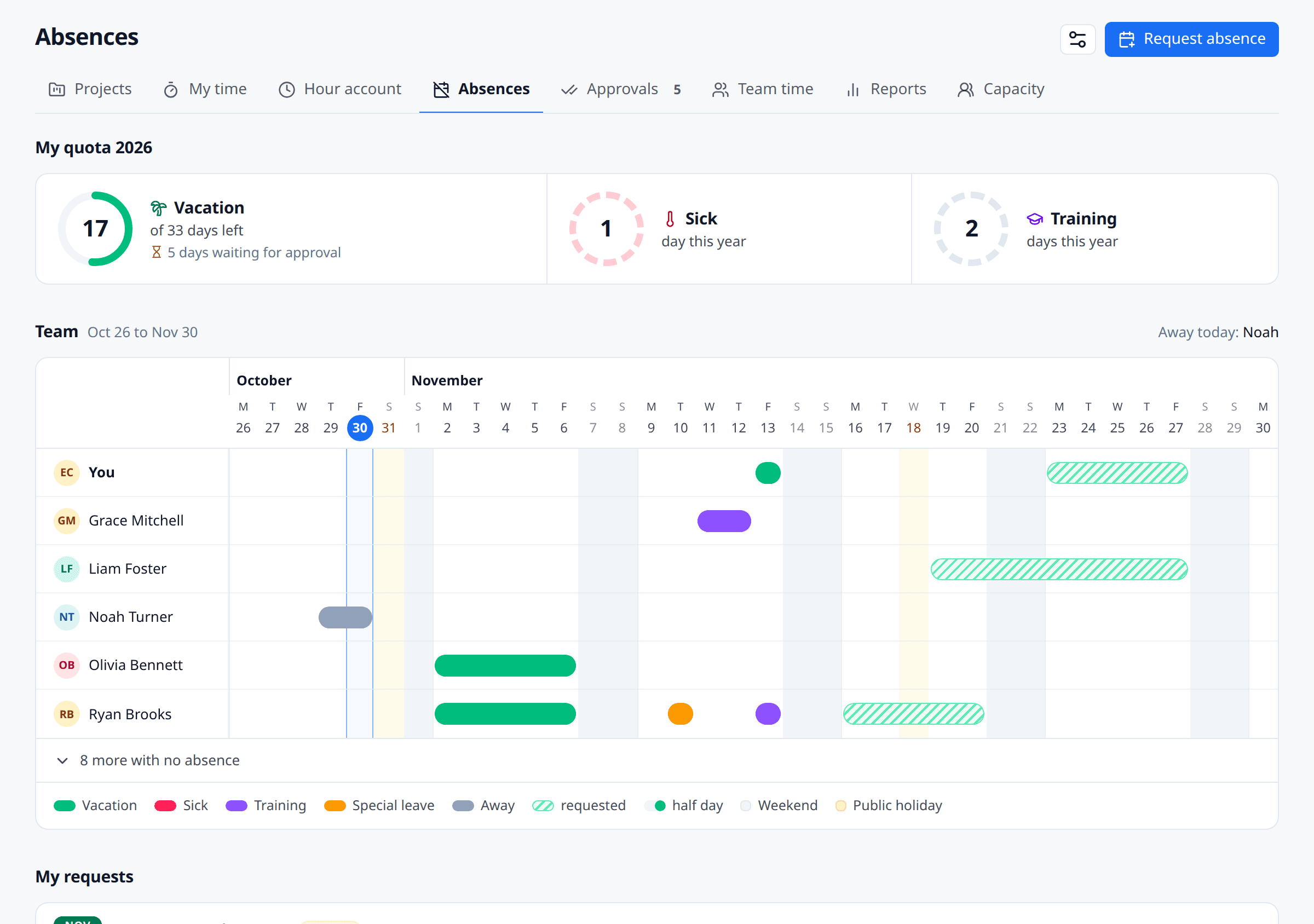
3Leave, sickness and public holidays
Absences and public holidays count towards the target. meetergo computes public holidays per state and canton.
- Public holidays for Germany, Austria and Switzerland
- The team sees absent, never the reason
- Request leave straight from the hour account
For every way of working
Even without a PC or a login of their own.
Clock link
Everyone gets a personal link for the shared tablet at work or their own phone.
Hour account
Overtime goes into an account. Request payouts in meetergo and your team lead approves them.
Clock in offline
With no signal the app keeps every clock event and syncs it as soon as you're back online.
Which plan?
Working time tracking starts with Light.
- Light and up
Working time
Light and upClock in, break, clock out, hints for DE, AT and CH, change requests and an export for everyone.
- Suite and up
Hour account and clock link
Suite and upHour account, payouts, personal clock link and DATEV files.
- All plans
The same in every plan
All plansTeam lead visibility, protection of health data and record retention apply in every plan.
FAQ
Questions about working time tracking
Our Trusted Clients
One of 18 apps in the meetergo suite
Every app shares the same contacts, calendars and automations. One login, one price, one contract instead of ten subscriptions.

Replace five tools with one. Add only the apps you need.
Start with scheduling. Turn on forms, video, CRM and AI notes only when they fit your workflow.

No credit card required. Cancel anytime.