The digital time clock that only needs a link
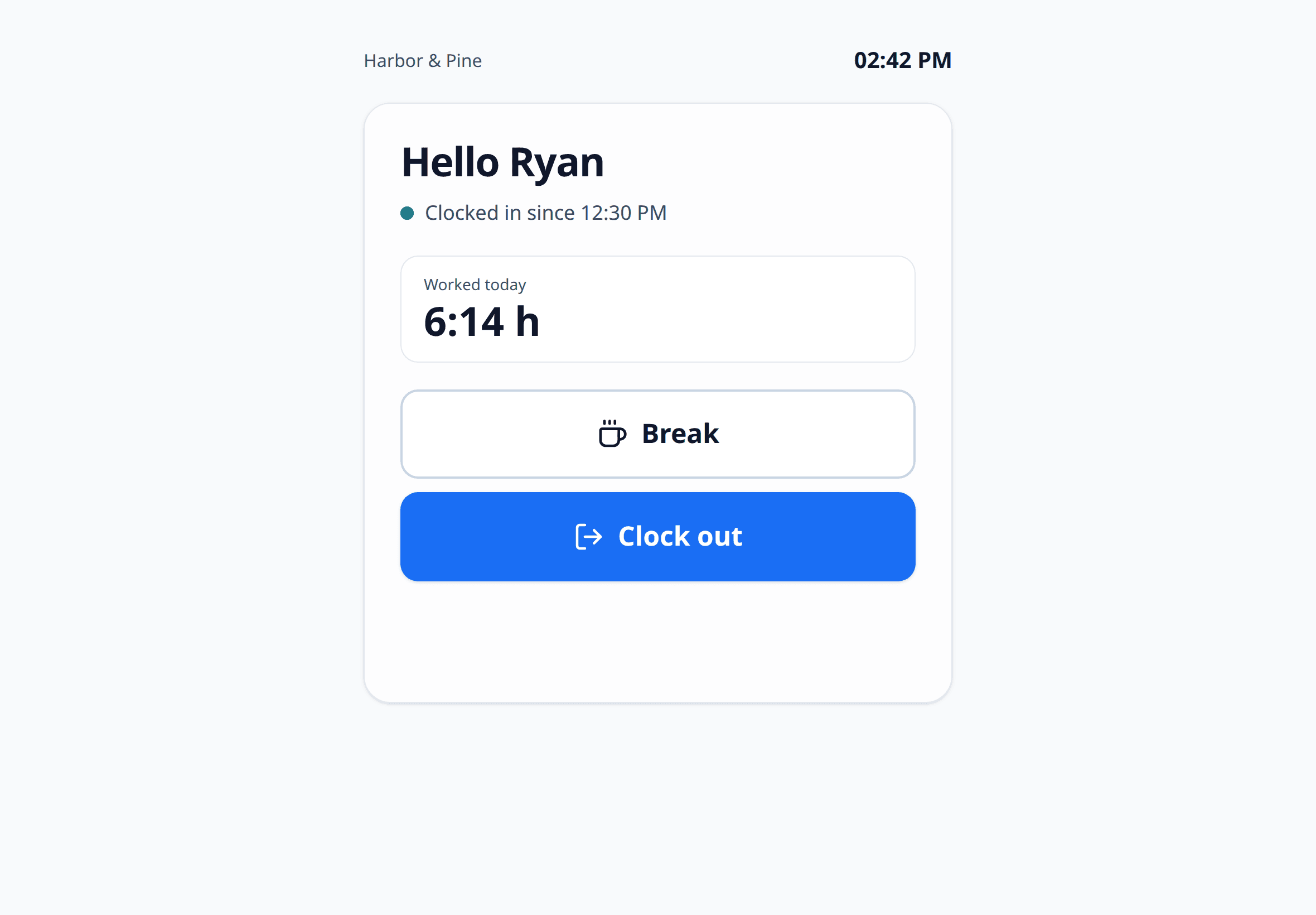
Everyone on your team gets their own clock link. It opens with their name and today's status. Clock in, break, clock out: on the tablet at the entrance or on their own phone.
Our Trusted Clients













Clock in without a terminal
For everyone without a desk: workshop, shop floor, practice, site.
One link per person
No login, no app. The link opens with the name, status and hours worked today.
Tablet or phone
On the shared tablet at work or on their own phone. No device pairing.
Works offline
If the network drops, the device keeps each tap and sends it later. It counts once.
Light on data
No camera, no photo, no location. Just clock in, break and clock out.
How the clock link works
Set up in minutes, no hardware needed.
Create a link
In the settings you create a personal clock link for each person.
Send the link
By email to the person, or as a bookmark on the tablet at work.
Tap
Clock in, break or clock out. The page then shows today's hours.
See it in the hour account
Every tap lands in the same hour account as taps from the app and the browser.
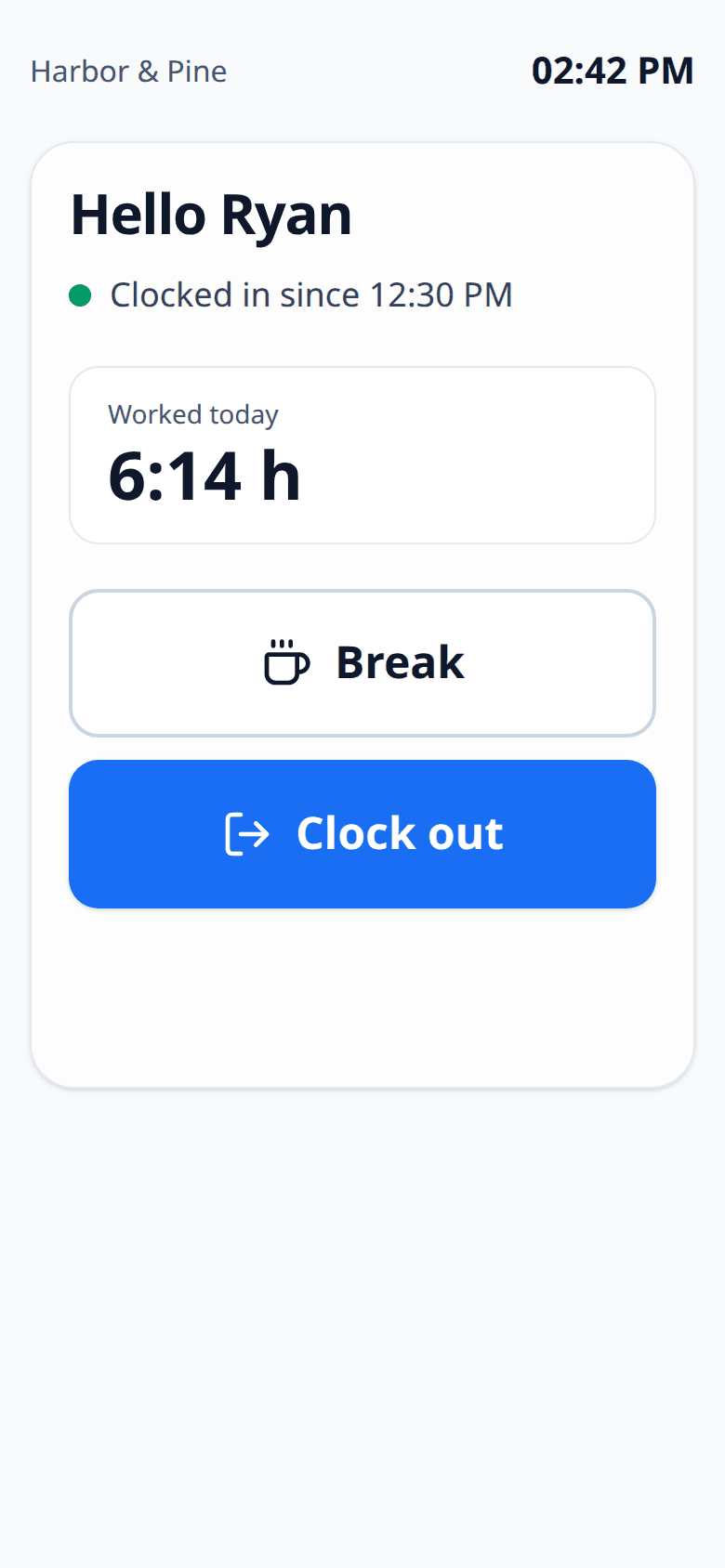
1Opens already filled in
"Hi Anna" instead of a login screen. The page shows whether Anna is working, on a break or gone for the day.
- Clock in, break and clock out as large buttons
- During a break, the break button turns into resume
- Today's hours right after each tap
2One tablet for the whole team
Put your team's links on a tablet at the entrance. Shared devices can ask for a PIN.
- Optional 4 to 6 digit PIN, chosen by each person
- 5 wrong PINs lock the link for 15 minutes
- Bright, high contrast and easy to read anywhere
3Everything in one hour account
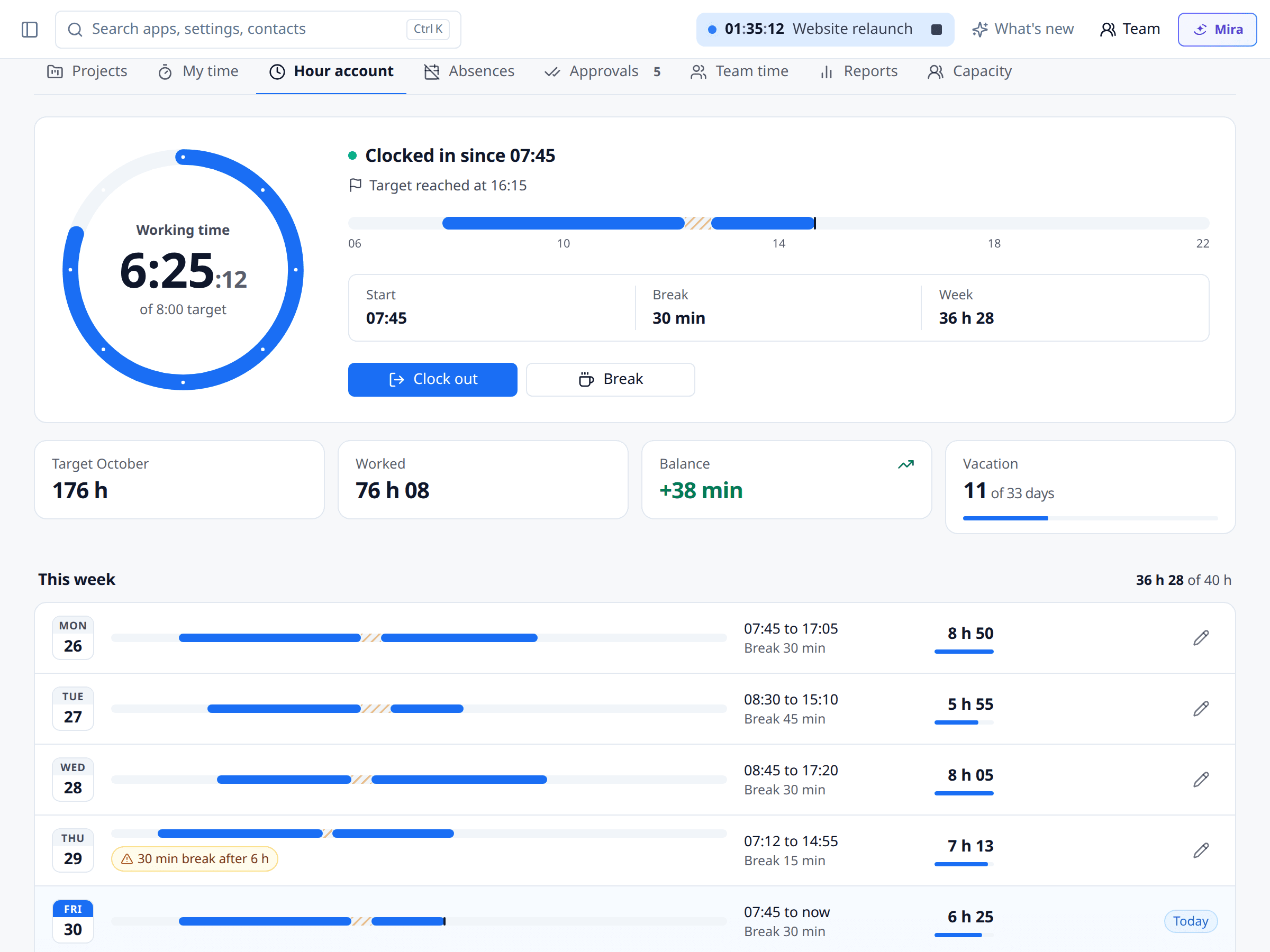
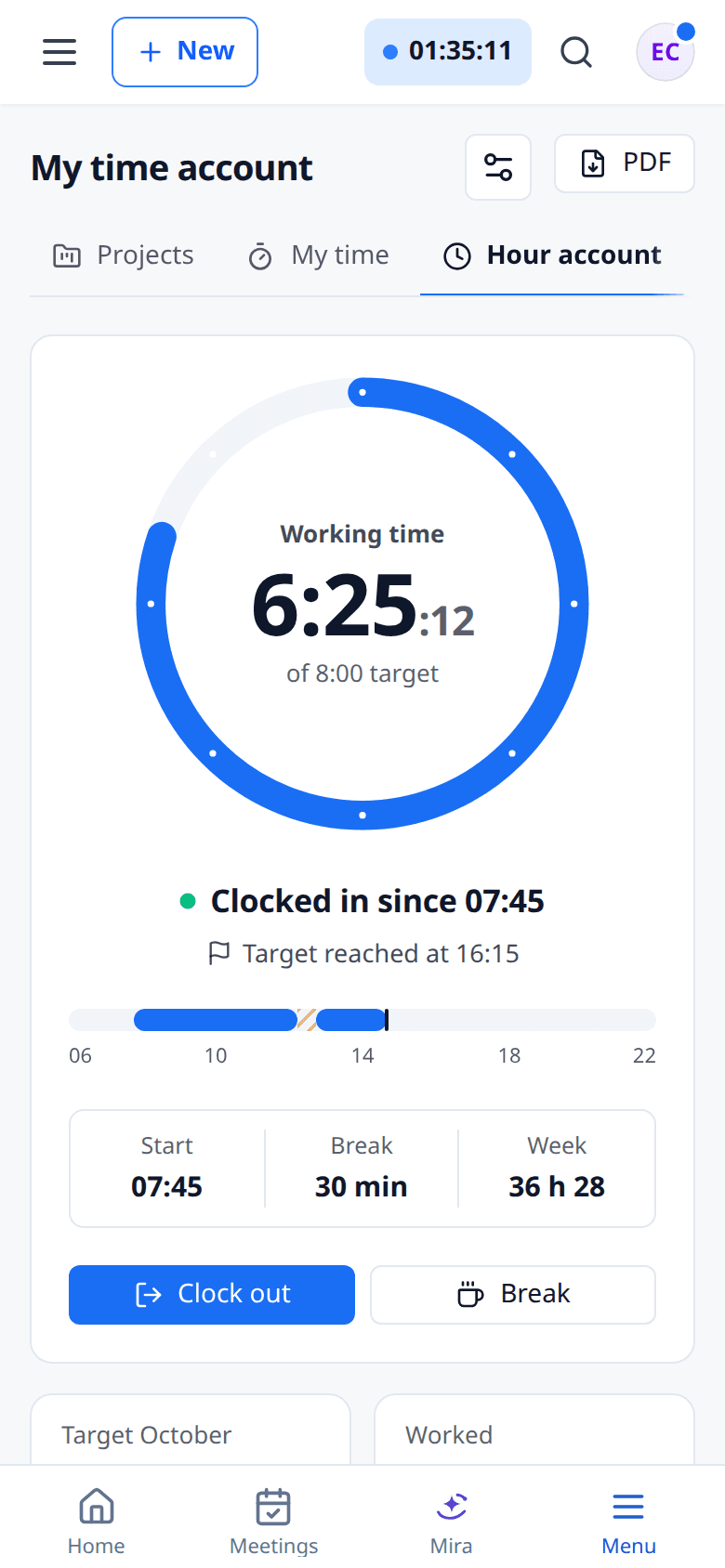
Taps from the link count exactly like taps from the app. Break rules, hints and corrections work the same way.
- One hour account per person, wherever they clock in
- Hints on missing breaks and rest periods
- Corrections as change requests, never overwritten
Part of working time tracking
The link is one way to clock in. Everything else runs in Time & Projects.
Working time tracking
Hour account, breaks and hints for Germany, Austria and Switzerland.
Leave management
Request and approve leave and report sick in the same system.
Payroll export
Clocked hours become the monthly file for DATEV payroll.
Time & Projects
All about the app: time tracking, projects, leave and approvals.
Which plan?
The clock link is included from Suite.
- Suite and up
Clock links
Suite and upPersonal links, optional PIN and offline taps.
- Light and up
Time-only members
Light and upPeople who only record their working time, even without a login. Billed like a Light seat.
- Light and up
Clock in from app and browser
Light and upClock in, break and clock out in the app and the browser, no link needed.
Time clock
Questions about the clock link
Our Trusted Clients
One of 18 apps in the meetergo suite
Every app shares the same contacts, calendars and automations. One login, one price, one contract instead of ten subscriptions.

Replace five tools with one. Add only the apps you need.
Start with scheduling. Turn on forms, video, CRM and AI notes only when they fit your workflow.

No credit card required. Cancel anytime.