
Key Takeaways
- The permission model is where intake breaks, not the builder. Who can edit a form, who reads the answers, and whether a respondent can revisit their own submission are all inherited from the connected database.
- Responses being a database view is both the feature and the catch. Each answer becomes a property in a table called Responses, filterable and chartable at once. The Form view itself can't be exported, and Notion's documentation warns that high-volume forms load more slowly (checked 2026-11-01).
- Conditional logic is a Business-plan feature. Forms exist on every plan, but branching questions start at Business and custom database automations at Plus (checked 2026-11-01).
- Nothing happens after submit unless you build it. Where the next step is a booked call, a signed engagement letter or a deal record, a form that owns scheduling and CRM saves the handoff. meetergo Forms works that way and sits alongside meetergo's Notion integration.
Most reviews of Notion Forms judge the builder. That's the wrong test. The builder is better than fine, because a form question and a database property are the same object, so there's no sync step to go wrong. What decides whether Notion Forms survives real client intake is the ten minutes after someone hits submit: who gets told, what record gets created, and whether the next action is booked or sitting in an inbox.
Below are the five checks that decide it, then the setup, then where people hit a wall.
What Notion Forms is, mechanically
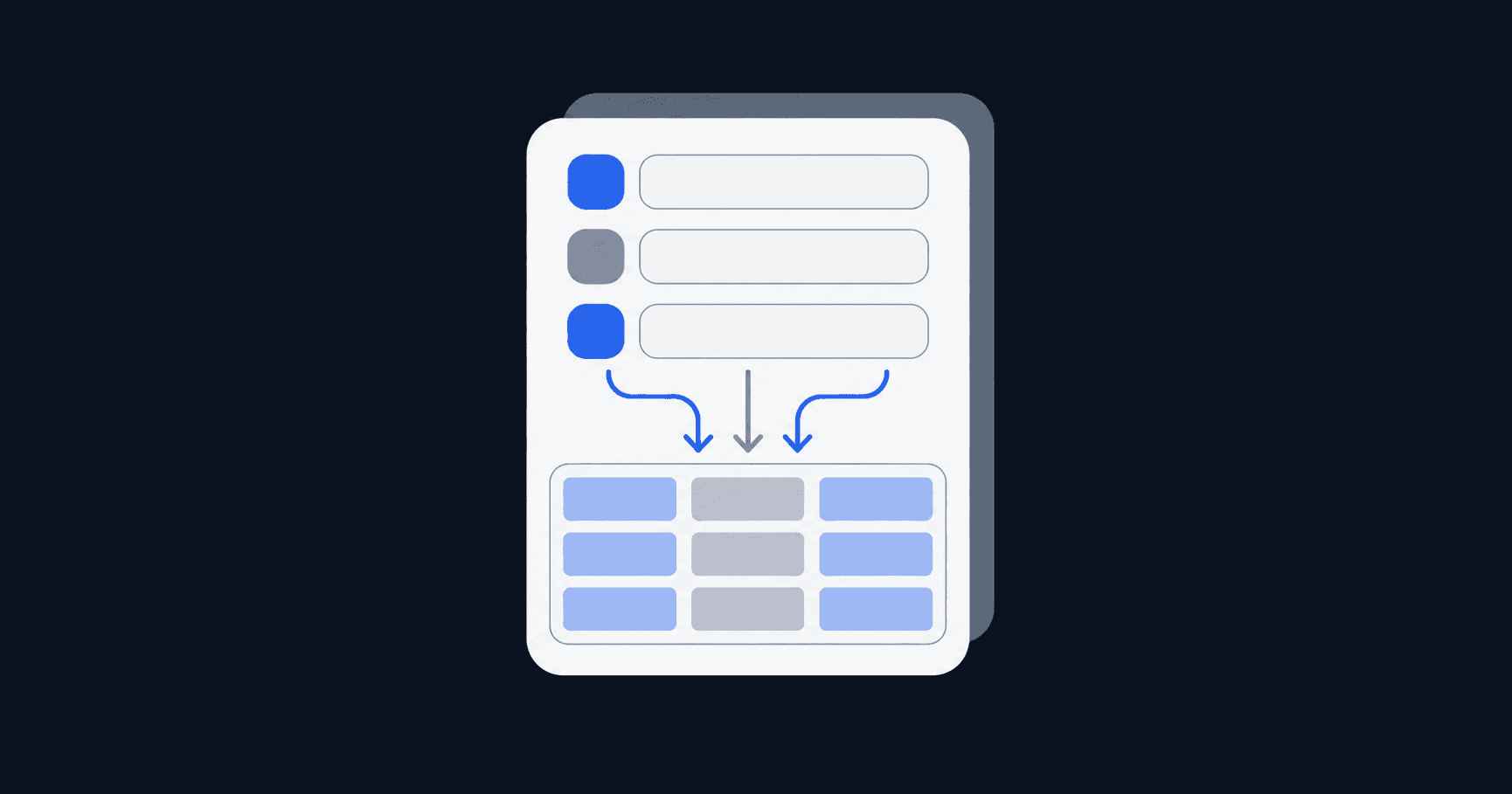
A Notion form is a view on a database. You type /form on a page, or add a Form view to a database you already use. Each question maps to one property, and editing the question text renames the property too unless you turn off the Sync with property name toggle (checked 2026-11-01).
That design explains both the appeal and the limits. No connector sits between the form and the data, and responses behave like any other database rows: filterable, sortable, chartable, linkable.
All members on all plans can create and use forms, and respondents don't need a Notion account. Building a form works on desktop and web only, not on mobile, though filling one out works anywhere (checked 2026-11-01).
Five checks before you run intake through it
1. Who can build it, and who can read the answers
Form permissions aren't form settings. They come from the connected database, and the thresholds differ per action:
| Action | Access needed on the connected database |
|---|---|
Create a form from an existing database | Full access |
ActionCreate a form from an existing database Access needed on the connected databaseFull access | |
Edit an existing form | Can edit or Full access |
ActionEdit an existing form Access needed on the connected databaseCan edit or Full access | |
Change sharing settings | Full access |
ActionChange sharing settings Access needed on the connected databaseFull access | |
Copy the form URL to share it | View access |
ActionCopy the form URL to share it Access needed on the connected databaseView access | |
View responses | Can view |
ActionView responses Access needed on the connected databaseCan view | |
Edit responses | Can edit content |
ActionEdit responses Access needed on the connected databaseCan edit content | |
Checked 2026-11-01. The consequence: if intake answers include anything a junior team member shouldn't see, you can't fix that on the form. You fix it by moving the database, because anyone who can read the database reads every submission in it. Granular database permissions, which limit access to rows where a person is assigned, start on Business.
2. Where the responses live, and how you get them out
Responses sit in a Table view named Responses, with your questions as properties, and a chart view can visualise them, though Free allows one chart (checked 2026-11-01).
Two constraints are worth planning around before you collect anything real. A Form view can't be exported, so any CSV has to come from the Table view. And Notion's documentation says a form holding a high volume of responses may load more slowly. Its suggested fix is a second version of the form, or deleting older responses (checked 2026-11-01). That's a fine answer for a feedback survey and an awkward one for an inquiry pipeline you expect to grow.
File uploads are plan-dependent too: 5 MB per file on Free, 5 GB on paid plans (checked 2026-11-01). An intake form asking for a scanned contract hits that ceiling on Free.
3. Which plan carries the logic you need
This is where most evaluations go wrong, because "forms are on every plan" is true and misleading at the same time.
| Notion plan | Price (annual billing) | Forms capability |
|---|---|---|
Free | €0 per member/month | Basic forms |
Notion planFree Price (annual billing)€0 per member/month Forms capabilityBasic forms | ||
Plus | €9.50 per member/month | Custom forms, Notion branding removable, custom database automations |
Notion planPlus Price (annual billing)€9.50 per member/month Forms capabilityCustom forms, Notion branding removable, custom database automations | ||
Business | €19.50 per member/month | Custom forms plus conditional logic |
Notion planBusiness Price (annual billing)€19.50 per member/month Forms capabilityCustom forms plus conditional logic | ||
Enterprise | Custom pricing | Same as Business, plus the option to disable public forms workspace-wide |
Notion planEnterprise Price (annual billing)Custom pricing Forms capabilitySame as Business, plus the option to disable public forms workspace-wide | ||
Prices and capabilities checked 2026-11-01. Two gates matter for intake. Conditional logic, which lets a multiple-choice answer decide the next question, requires Business or Enterprise. And automations on Free are basic buttons only, with custom database automations starting at Plus.
So a free workspace gives you a form that collects a flat list of questions and does nothing on submit beyond creating a row. A contact form, not an intake process.
Worth knowing: on Enterprise, a workspace owner can toggle on Disable publishing sites, forms, and public links under Settings, and forms already live on the web are taken down (checked 2026-11-01). If you're building public intake inside someone else's Enterprise workspace, confirm that setting before printing the URL anywhere.
4. What happens in the ten minutes after submit
Notion gives you three levers: an email copy of each submission, a configurable confirmation title and body, and automations from the form builder's ••• menu that trigger on a new response or a specific answer, with actions like a Slack notification or a status update (checked 2026-11-01).
What you don't get is a next step the respondent can take. No booking slot at the end of the form, no document to sign, no deal record in a pipeline. The confirmation screen is text.
For an inquiry form feeding a weekly triage, that's enough. For client intake whose point is getting a qualified person onto a call, the handoff stays manual, and manual handoffs are where leads go cold. Our breakdown of how to qualify inbound leads covers why the delay between submit and first contact does more damage than form design ever will.
5. Whether people outside your workspace can use it
Three audience settings exist: Anyone at your workspace with link, Anyone on the web with link, and No access, which closes the form (checked 2026-11-01).
Three details catch people out:
- Guests aren't the public. A guest can fill out a workspace-restricted form only if they've been given access to the connected database. On Free the external guest limit is 10.
- Web respondents are always anonymous. A form shared with anyone on the web records no respondent identity regardless of the Anonymous responses toggle, so identity has to come from a question you ask.
- Letting respondents revisit their answers only works internally. The Access to submission setting, with its No access through Full access levels, appears only when the form is workspace-only and anonymous responses are off.
A respondent who wants a copy of their own submission has to log into a Notion account. That's friction for client-facing intake, the same tradeoff covered in our guide to collecting responses without identifying the respondent.
Building a client intake form, step by step
Step 1: start from the database, not the form. Build the database that will hold clients or inquiries first, with the properties you'll report on later: status, owner, source, value. Then add the Form view with + next to your existing views. The reverse order means retrofitting properties, and every retrofit risks renaming something a filter depends on.
Step 2: decide identity before questions. A form built from scratch auto-creates a Respondent property. One built on an existing database doesn't, so add a Created by property if you need to know who submitted. For public forms neither helps, so make email a required question.
Step 3: type the questions properly, then lock the names. Match each question's type to the property type you want to report on: Date for availability, Multiple choice for yes or no, Select for service type. Then toggle off Sync with property name wherever the reader-facing wording differs from your internal field name. Multi-select, relation and people questions can also cap selections per response. The same discipline applies to any standardised intake form you reuse.
Step 4: write the submit screen as a handoff, not a thank-you. You control the confirmation title and body, so say what happens next and when. Turn on the email copy so a response can't sit unseen, then add an automation that sets an owner or posts to a channel if you're on Plus.
Where Notion Forms runs out of road
Two requests come up repeatedly from people already using it, and both are structural rather than bugs.
Pre-filling is the first. A 6-comment thread in r/Notion asking how to create a form with pre-filled data describes the case that matters for client intake: you already know who the person is and want the form to arrive with their details in place.
Templates on submission is the second. A 3-comment thread in r/Notion about applying a database template after a form submission covers the other half. A new client row usually needs to arrive as a structured page with a checklist, and getting there is a workaround rather than a setting.
None of this makes Notion Forms a bad tool. On OMR Reviews, Notion sits at 4.5 out of 5 from 301 reviews (checked 2026-11-01), and what people are rating is the workspace. The forms feature is a sensible extension of a database product.

When intake is one step in a scheduling and CRM workflow
The gap worth naming sits between a submitted answer and a booked commitment. If intake exists so a qualified person ends up on your calendar with a signed document, the form needs to own that path rather than hand it off.
meetergo Forms is built for that shape of workflow. 20+ field types cover rating, NPS, file upload, signature and payment, a working draft can be generated from a plain-language description, and multi-step funnels run under one shared theme. Branching and lead scoring sit in the same editor, so answers both route a respondent and qualify them. A form sent to a known contact arrives with their details filled in, and a PDF template can be attached and signed through an emailed one-time code, sealed with an FES audit certificate.

Submissions land in the built-in CRM automatically, and the answers decide which host, calendar or service the respondent reaches, as described on the routing forms page. Reminders and follow-ups run from automated workflows rather than a person remembering. Data stays on EU servers with no CLOUD Act access: 100% GDPR Compliant | Servers in Europe | Made in Europe.

Basic forms are on the free plan. Multi-step funnels and smart lead routing start on Suite at €29.90/month (regular €34.90), with a 7-day trial on paid tiers, listed on the pricing page. On OMR Reviews, meetergo sits at 4.8 out of 5 from 168 reviews (checked 2026-11-01).
The honest limitation: meetergo isn't a workspace. It won't hold your project databases, docs or team wiki, so if Notion is your operating system you'll run both tools. The middle path is meetergo's Notion integration, on the Light plan and above, which writes every booking into a Notion database as its own page and keeps the status current through reschedules and cancellations.
Get Started Free and build your first intake form at meetergo.com. No credit card required.
Common mistakes
- Building the form before the database. Renaming a synced question silently renames the property your filters and charts point at, so every retrofit carries risk.
- Assuming conditional logic is available. Teams design a branching questionnaire on paper, then find the branching needs Business. Design flat unless you're already on Business or above.
- Sharing publicly and expecting to know who answered. Public forms make respondents anonymous by design. If you need identity, ask for it as a required question.
- Letting responses accumulate forever in one form. The documented remedy for a slow, high-volume form is splitting it or deleting old responses, so decide your archive rule on day one.
- Treating the confirmation screen as the end. A submitted inquiry with no booked next step is a task, not a lead. Either automate the handoff or put the booking inside the form.
Skip Notion Forms if
- Your intake needs a booking, a payment or a signature at the end of the same flow.
- Respondents must see or edit their submission without creating a Notion account.
- Read access needs to be narrower than "anyone who can open this database" and you're not on Business.
- You're on Free and the form needs branching or more than a single automation button.
- You expect thousands of submissions into one form and need clean exports from it.
Where none of those apply, Notion Forms is the lowest-friction way to get structured answers into a place your team already works. Where several apply, the form isn't the problem, the workflow after it is. Our rundown of what to look for in an online form creator sets out the criteria, and the piece on routing inbound leads to the right owner covers the step most intake setups skip.
Booking + video conferencing in one tool.

Booking + video conferencing in one tool.
FAQs
Is Notion Forms free?
Yes. All members on all plans can create and use forms, and Free includes what Notion labels basic forms. Paid plans add customisation on Plus and conditional logic on Business, at €9.50 and €19.50 per member/month on annual billing (checked 2026-11-01).
Do respondents need a Notion account?
Not to submit. A form shared with anyone on the web can be filled out by people who don't use Notion at all. An account is only needed to get a copy of the responses or edit them afterwards.
Can I export Notion form responses to CSV?
Not from the Form view, which can't be exported. Switch to the Table view holding the responses and export from there (checked 2026-11-01).
How do I connect Google Forms to Notion instead?
That route needs a third-party bridge, a marketplace add-on or an automation platform, because Google Forms writes to Sheets rather than a Notion database. Native Notion forms skip the connector, which is their main advantage over that setup.
Can two people collect responses into the same database?
Yes, and more than one form can run against one database. Everyone with view access sees all of it, so splitting by sensitivity means splitting the database rather than the form. Our guide to structuring a client database covers the layout.
What happens if my workspace owner disables public links?
On the Enterprise plan a workspace owner can turn on Disable publishing sites, forms, and public links in Settings → Security, and forms already live on the web are taken down immediately (checked 2026-11-01).