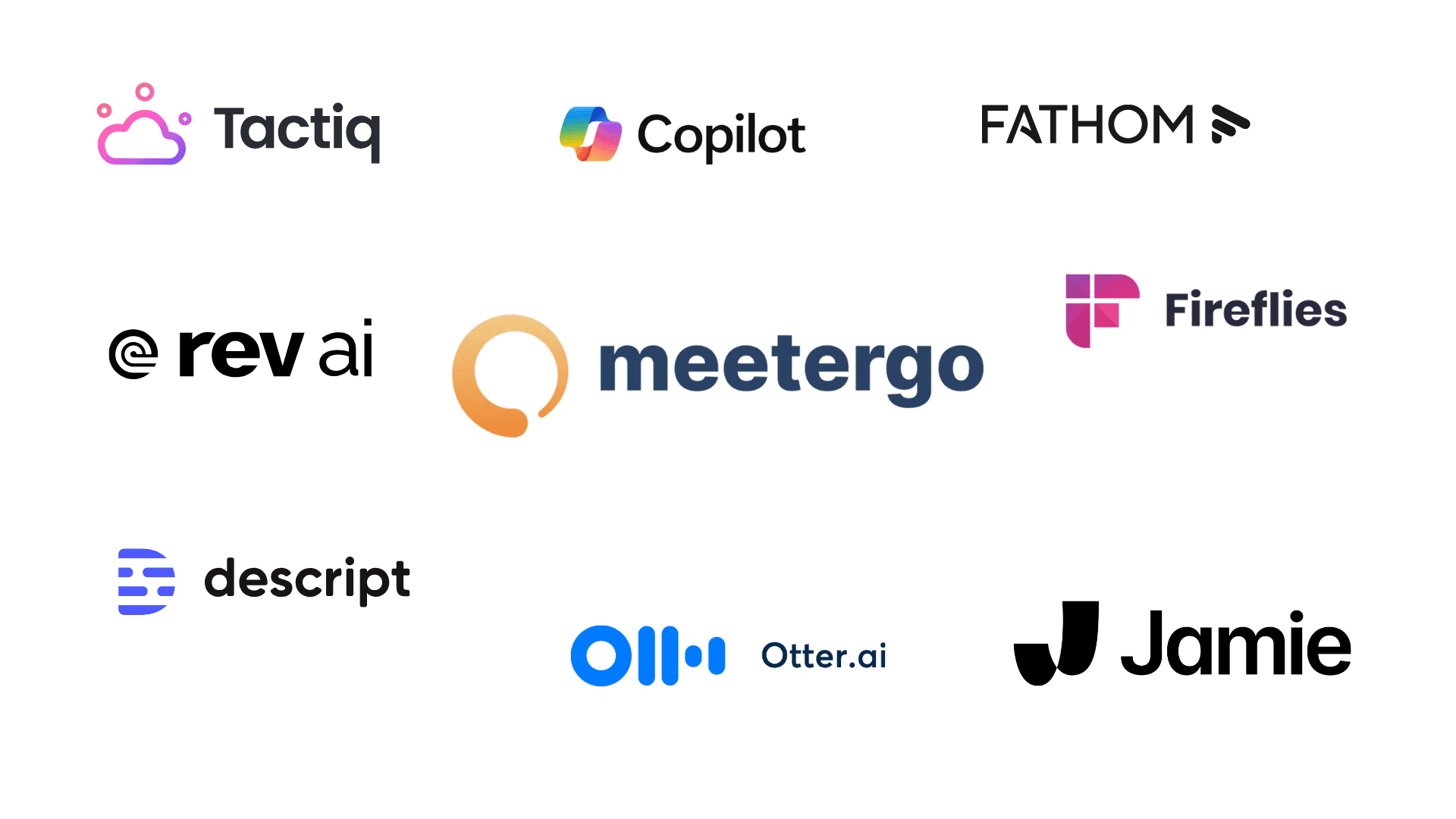

In 2024, we all tolerated the "Bot-Era." It was normal for a virtual assistant like OtterPilot or Fireflies to join your call as a visible participant. It was functional, but always a bit awkward especially in high-stakes sales calls or sensitive 1-on-1s.
By 2026, the standard has shifted. Professionals no longer want a "digital eavesdropper" in their meeting window.
The New Demand
Today's users demand three non-negotiables:
- "Invisible" Transcription (Local AI): Software must run in the background, capturing system audio without ever appearing in the participant list.
- GDPR Sovereignty: In 2026, sending audio to US-based clouds is a compliance nightmare. Local processing is the only way to ensure 100% data privacy.
- Integrated Workflows: Users are tired of "app-hopping." The best tools now combine scheduling, recording, and action-item syncing into one seamless flow.
The Reality Check
Don't be fooled by "Free" labels. Many popular apps (like Jamie) use a Credit System that limits you to roughly 10 meetings per month. For a busy professional, that’s just a "free trial" in disguise. We found the tools that actually let you work without limits.

1. meetergo Log (The Best All-in-One Solution) 🏆
(Best For: Professionals who want a complete, high-volume workflow)
meetergo Log is our top pick for 2026 because it effectively kills the need for separate scheduling and note-taking apps. It’s the only tool that manages the meeting before it starts and documents it after it ends.
✅ Pros:
- The "Unlimited" Advantage: Unlike almost every other competitor, meetergo Log offers Unlimited Local Transcription on the free plan. There are no credit caps or minute limits.
- Bot-Free & Invisible: It records via system audio. No bot joins the call, so your clients never feel "monitored."
- Integrated Scheduling: It combines Calendly-style booking with Jamie-style recording. The transcript is automatically attached to the original calendar invite.
- GDPR Mastery: Using Local AI, the transcription happens on your device. Your sensitive conversations never leave your hardware.
❌ Cons:
- No Video Storage: It focuses purely on audio and text. If you need to re-watch the video of a call, you'll still need the native Zoom/Teams recording.
- Desktop App Required: Because it uses Local AI for privacy, you must install the desktop client (Mac/Windows); it cannot run solely in a browser tab.
Link: Get meetergo Log for Free | G2 Reviews
Booking + video conferencing in one tool.

Booking + video conferencing in one tool.

2. Jamie (The Best Design)
(Best For: Design-conscious Mac users with moderate meeting volume)
Jamie is undeniably the "Apple" of transcription software. It’s sleek, intuitive, and lives beautifully in your menu bar.
✅ Pros:
- Stunning UI: The user experience is flawless. It’s arguably the most "joyful" app to use on this list.
- "Ask AI" Sidebar: You can chat with your past meetings to pull specific quotes or summaries instantly (e.g., "What was the final budget decided last week?").
- Offline Functionality: Since it captures audio locally, it works perfectly for in-person meetings without an internet connection.
❌ Cons:
- The Credit System: The free plan is quite restrictive, often limited to 10 meeting credits per month. For power users, the jump to the paid plan (€24+/mo) is almost mandatory.
- Fragmented Workflow: Jamie only handles the notes. You still need a separate tool for scheduling (like Calendly or meetergo), which adds to your monthly tech stack costs.
Verdict: If you value aesthetics and have fewer than 10 meetings a month, Jamie is a premium choice. If you're a high-volume user, the costs add up quickly.
Link: Jamie.ai Official Site | Jamie G2 Reviews

3. Otter.ai (The Collaborative Choice)
(Best For: Large teams needing live transcription and real-time collaboration)
Otter.ai remains the industry veteran, best known for its "live" experience. If your team needs to see text as it happens and collaborate instantly, Otter is a powerhouse, though it still relies on the traditional "bot" model.
✅ Pros:
- Real-Time Streaming: You can watch the transcript being built in live time. Teammates can highlight, comment, and add photos to the transcript while the meeting is still ongoing.
- Otter AI Chat: A built-in assistant that allows you to ask questions across your entire meeting history (e.g., "What were the project deadlines discussed last month?").
- Solid Mobile Presence: One of the best mobile apps in the space, making it easy to record and follow along from your phone.
❌ Cons:
- Visible "OtterPilot" Bot: The tool sends a visible bot to join your Zoom, Teams, or Google Meet calls. This can feel intrusive in private or high-level client meetings.
- Privacy & Cloud Storage: Data is processed and stored in the US Cloud. For companies with strict GDPR or data sovereignty requirements, this is a major compliance hurdle.
- Language Limitations: While accuracy for English is high, support for other languages remains limited compared to newer AI models.
The sticker price is only part of the equation here. See Otter AI pricing and hidden costs for the per-user annual math and the recording caps that decide which tier you actually end up on.

4. Fireflies.ai (The CRM Specialist)
(Best For: Sales teams that need deep analytics and automated CRM logging)
Fireflies.ai is less about "notes" and more about "intelligence." It’s designed specifically to feed your sales pipeline and analyze how your team talks to customers.
✅ Pros:
- Sales Intelligence: It offers advanced analytics like "Talk-to-Listen Ratio," "Sentiment Analysis" (detecting if a customer is frustrated), and "Topic Tracking" (how often a competitor is mentioned).
- Massive Integration Library: It connects to over 50+ CRMs and project management tools, including Salesforce, HubSpot, Slack, and Notion. It automatically logs call data into the right lead records.
- Smart Search: Its "AI Filters" allow you to search through hours of meetings for specific keywords like "Pricing," "Deadlines," or "Action Items" in seconds.
❌ Cons:
- Costly for Power Features: The truly useful features (like CRM sync and sentiment analysis) are locked behind the Business tier, which starts around $19–$29 per user/month.
- Intrusive AI Bot: Like Otter, Fireflies uses a visible bot ("Fred") that joins the call. If your clients are sensitive to being "monitored" by AI, this can create friction.
- Limited Free Storage: The free plan caps your storage at 800 minutes, which fills up very quickly for active sales teams.

5. VOMO AI (The Mobile Option)
(Best For: Recording in-person meetings and coffee chats via iPhone)
VOMO AI is the leading choice for professionals who do most of their business "on the go." If you’re a consultant, realtor, or journalist meeting people in person, this is your mobile workhorse.
✅ Pros:
- Mobile-First Experience: Built specifically for iOS, it offers a clean, ultra-fast experience for recording in-person conversations or coffee meetings.
- GPT-4o Powered Summaries: It uses the latest high-end AI models to generate "Smart Notes" that are often more coherent and structured than those of legacy tools.
- No Bots Needed: Since it records directly via your phone’s hardware or file uploads, there are no bots joining virtual calls, making it very private for 1-on-1 chats.
❌ Cons:
- Desktop & Platform Limits: The experience is heavily centered on iOS. If you’re looking for a robust Windows app or deep browser integration for Zoom/Teams, tools like meetergo or Jamie are better fits.
- Lack of Direct Integrations: It doesn't sync as deeply with CRMs or project management software as Fireflies or Otter. It's more of a "personal assistant" than a "team intelligence" tool.
- One-Time Credit Free Plan: Their free plan is often a one-time credit rather than a recurring monthly allowance, essentially making it a "pay-to-play" model for long-term use.

6. Fathom (The Zoom Specialist)
(Best For: Zoom power users who want high-quality meeting clips)
Fathom has built a cult following by being one of the first to offer a truly generous free tier for individuals. In 2026, it remains a favorite for remote-first teams that live in Zoom, though it has expanded to support Teams and Google Meet.
✅ Pros:
- Excellent "Clip" Feature: You can highlight a moment during a live call with one click. Fathom creates a video clip of that specific segment, making it incredibly easy to share "the voice of the customer" in Slack or Notion.
- Instant CRM Sync: It automatically syncs summaries and action items into HubSpot, Salesforce, or Close.
- Free for Individuals: Unlike Jamie or Otter, Fathom offers unlimited recording and transcription for individual users for free (advanced team features are paid).
❌ Cons:
- Visible Integration: Fathom is not "invisible." It requires a bot or a visible integration that announces it is recording, which can break the 1-on-1 intimacy of a call.
- Limited Formatting: While it generates notes, the customization of summary templates is less flexible compared to meetergo Log.
- Cloud-Dependent: All recordings are stored and processed in the cloud, which may trigger security flags for high-privacy organizations.
Booking + video conferencing in one tool.
Booking + video conferencing in one tool.

7. Microsoft Copilot (The Enterprise Standard)
(Best For: Large corporations with strict IT and security policies)
If your company is already deep in the Microsoft 365 ecosystem, Copilot for Teams is the "no-brainer" path of least resistance. It’s secure, IT-approved, and built directly into your existing apps.
✅ Pros:
- Native & Secure: No third-party apps or bots. It’s part of your enterprise agreement, ensuring data stays within the Microsoft "trust boundary."
- Real-Time Queries: You can ask Copilot during the meeting to summarize the last 10 minutes or check if a specific topic was mentioned.
- Deep 365 Integration: It can instantly turn your meeting notes into a Word document or a PowerPoint draft.
❌ Cons:
- The "Platform Lock": It only works within Microsoft Teams. If you have a client who insists on a Zoom or Google Meet call, Copilot won't be there to help.
- Expensive "AI Tax": At roughly $20–$30/user/month, it is significantly more expensive than standalone alternatives like meetergo or Jamie.
- No Offline Support: It is a 100% cloud-based service; you cannot use it for in-person coffee shop meetings or offline recordings.

8. Rev (The Human Accuracy Choice)
(Best For: Legal, medical, or published content where 100% accuracy is vital)
Rev is the gold standard for transcription. While they have an AI engine, their main selling point remains their army of human transcribers who ensure your transcript is perfect.
✅ Pros:
- 99% Accuracy Guarantee: When you pay for human transcription, the quality is vastly superior to any AI, especially with heavy accents or technical jargon.
- Great for Pre-Recorded Files: Ideal if you have a finished video or a long interview file that needs a perfect transcript for publication.
- Foreign Subtitles: Rev excels at creating globally compliant subtitle files in dozens of languages.
❌ Cons:
- Costly for Meetings: At $1.50+ per minute for human transcription, a single one-hour meeting can cost $90. This is not sustainable for daily internal calls.
- Slow Turnaround: While AI is instant, human transcription typically takes 12–24 hours.
- Not a "Meeting Assistant": Rev doesn't provide "Ask AI" sidebars or automated action item tracking for live calls in the same way modern AI assistants do.
Rev's sweet spot, pre-recorded files, is really its own category. If your starting point is a finished recording rather than a live meeting, our video transcription guide compares five methods by privacy risk and file type, from free browser converters to fully local processing.

9. Descript (The Content Creator Choice)
(Best For: Podcasters and Video Editors who want to edit audio like a document)
Descript isn't just a transcription tool; it is a full-scale media editor. It is the go-to choice for anyone who needs to turn a meeting recording into a polished piece of content.
✅ Pros:
- Edit by Deleting Text: Descript’s standout feature allows you to edit your audio or video file simply by deleting words in the transcript. It’s "word-processor-style" editing for media.
- Studio Sound: Their AI can magically remove background noise and make a low-quality laptop mic sound like a professional studio recording.
- Overdub: If you made a mistake in your speech, you can type the correction, and Descript’s AI will generate the audio in your own voice.
❌ Cons:
- Overkill for Business Notes: If you just want a summary of a 15-minute sync, the heavy editing interface is unnecessary.
- Limited Transcription Hours: The free plan is quite tight (often just 1 hour per month), and paid tiers are geared toward professional creators.
- Resource Heavy: It is a powerful application that can be demanding on your computer's CPU compared to lightweight recorders like meetergo Log.

10. Tactiq (The Lightweight Option)
(Best For: Chrome users who want a simple extension without installing desktop software)
Tactiq is a Chrome extension that captures the real-time captions from Google Meet, Zoom, and MS Teams in your browser. It’s perfect for those who want a "zero-footprint" solution.
✅ Pros:
- Zero Installation: No desktop apps or bots. It works entirely within your browser window.
- Live Transcription: You can see the transcription happening in a sidebar as you speak, allowing you to highlight key moments manually.
- Prompt-Based Summaries: You can use pre-set prompts to turn your transcript into Jira tickets, Slack updates, or email follow-ups.
❌ Cons:
- Browser Dependent: It only works if you use the web-browser version of Zoom or Teams. If you open the dedicated desktop app, Tactiq cannot "see" the audio.
- Credit-Restricted AI: The free plan typically limits you to 10 transcripts per month and a very small amount of AI summary credits (5 per month), making it hard to use for a full-time schedule.
- No Offline Support: Since it’s a browser extension, it is useless for in-person meetings or phone calls.
Comparison: The Top 10 Contenders (2026)
This "Kill Shot" table highlights why meetergo Log is the market leader for productivity and value, compared to the industry giants.
| Feature | meetergo Log | Jamie | Otter.ai | Fireflies | Fathom |
|---|---|---|---|---|---|
Technology | Local AI (No Bot) | Local AI (No Bot) | Cloud Bot 🤖 | Cloud Bot 🤖 | Cloud Bot 🤖 |
FeatureTechnology meetergo LogLocal AI (No Bot) JamieLocal AI (No Bot) Otter.aiCloud Bot 🤖 FirefliesCloud Bot 🤖 FathomCloud Bot 🤖 | |||||
Free Plan | Unlimited 🚀 | 10 Credits | 300 Mins | 800 Mins | Unlimited (Indiv.) |
FeatureFree Plan meetergo LogUnlimited 🚀 Jamie10 Credits Otter.ai300 Mins Fireflies800 Mins FathomUnlimited (Indiv.) | |||||
Privacy | High (Local/DE) | High (Local) | Med (US Cloud) | Med (US Cloud) | Med (Cloud) |
FeaturePrivacy meetergo LogHigh (Local/DE) JamieHigh (Local) Otter.aiMed (US Cloud) FirefliesMed (US Cloud) FathomMed (Cloud) | |||||
Scheduling? | ✅ Yes | ❌ No | ❌ No | ❌ No | ❌ No |
FeatureScheduling? meetergo Log✅ Yes Jamie❌ No Otter.ai❌ No Fireflies❌ No Fathom❌ No | |||||
Works Offline? | ✅ Yes | ✅ Yes | ❌ No | ❌ No | ❌ No |
FeatureWorks Offline? meetergo Log✅ Yes Jamie✅ Yes Otter.ai❌ No Fireflies❌ No Fathom❌ No | |||||
Buyer's Guide: How to Choose in 2026?
Choosing the right transcription software depends on your specific "pain point." Here is how to navigate the 2026 landscape:
1. Check the "Free" Definition
In 2026, many "free" tools are actually "freemium-traps."
- Jamie and Tactiq use credit systems that expire quickly.
- meetergo Log offers true unlimited local transcription because the processing happens on your computer, not their servers.
If free is the requirement rather than a nice-to-have, see what seven free transcription tiers really allow: monthly minutes, per-session caps, file uploads, languages and exports, side by side.
2. Bot vs. No-Bot
If you are in Sales, Consulting, or Legal, avoid bots. Seeing a "Fireflies Notetaker" in a call makes participants less likely to speak freely. Use "Invisible" tools like meetergo or Jamie to keep the conversation natural.
Going bot-free has one trade-off worth knowing. A bot on the call can read which participant was talking and borrow their display name, while a tool recording the audio has to work out the speakers from the voices alone. We break down diarization vs speaker identification and what each means for the names in your transcript.
Granola sits in the same bot-free camp, but it only captures on your machine: the transcription still runs in the cloud. We put it beside seven other notetakers in our comparison of Granola AI alternatives, including which ones transcribe fully on-device.
Picking the tool is only half the job. Whichever one you land on, you are the controller under GDPR and the vendor is the processor, so the lawful basis, the disclosure and the deletion clock stay with you. Our GDPR compliance checklist for transcription walks through the five steps in order, including the retention setting almost every team leaves on forever.
3. Consolidate Your Tech Stack
Why pay for a scheduler (Calendly), a recorder (Otter), and an AI writer (ChatGPT) separately? Consolidating into a tool like meetergo saves you roughly $50/month and keeps your data in one place.
A transcript is the raw material, not the deliverable. If what your team actually circulates after a call is a structured summary with decisions and owners, you are shopping in a slightly different category. We compared nine meeting minutes software tools separately, rated on how well they turn a recording into a document you can file.
The fastest way to turn a transcript into usable minutes is a fixed field list: keep attendance, decisions, and owned action items, and cut everything that is only conversation.
For direct pairings instead of a ranked list, the AI notetaker comparison links seven head-to-heads, from Otter vs meetergo Log to ChatGPT Record Mode vs meetergo Log.
Conclusion
The "Bot-Era" is over. In 2026, meeting transcription is expected to be invisible, secure, and integrated.
- Choose Jamie if you are a Mac user who values a beautiful interface for occasional meetings.
- Choose Fireflies if you are a Sales Director needing deep "Sentiment Analysis" for a large team.
- Choose meetergo Log if you want a professional, unlimited, and privacy-first solution that manages your entire meeting lifecycle from booking to follow-up.
Stop counting minutes. Start transcribing without limits.